
This article discusses how to register for the Intella IT Administrator training course in the event that you've been given a free coupon by Vound.
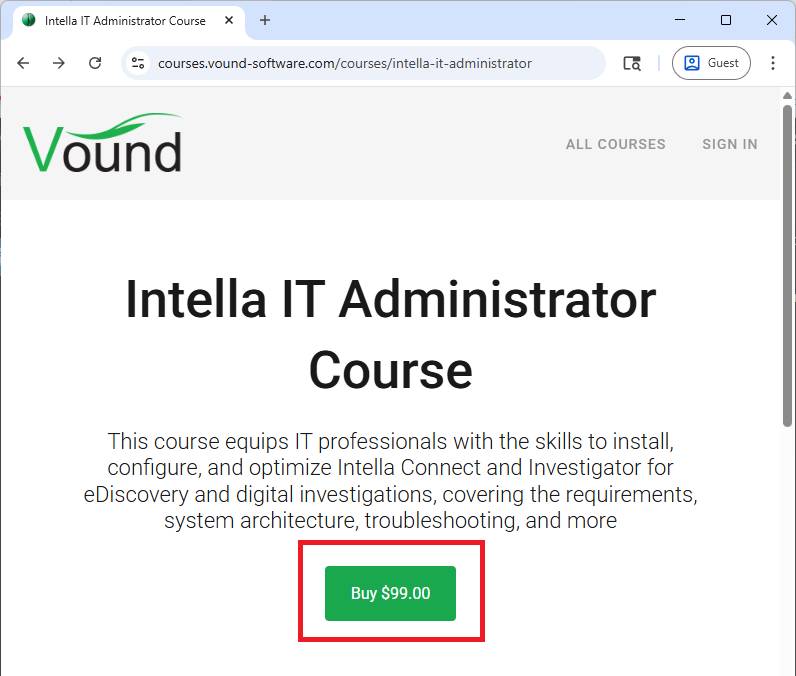
1. Navigate to the IT Admin course on our training platform: https://vound.info/course-intella-admin
2. Click the green "Buy" button.
3. Click the "Have a coupon?" link.
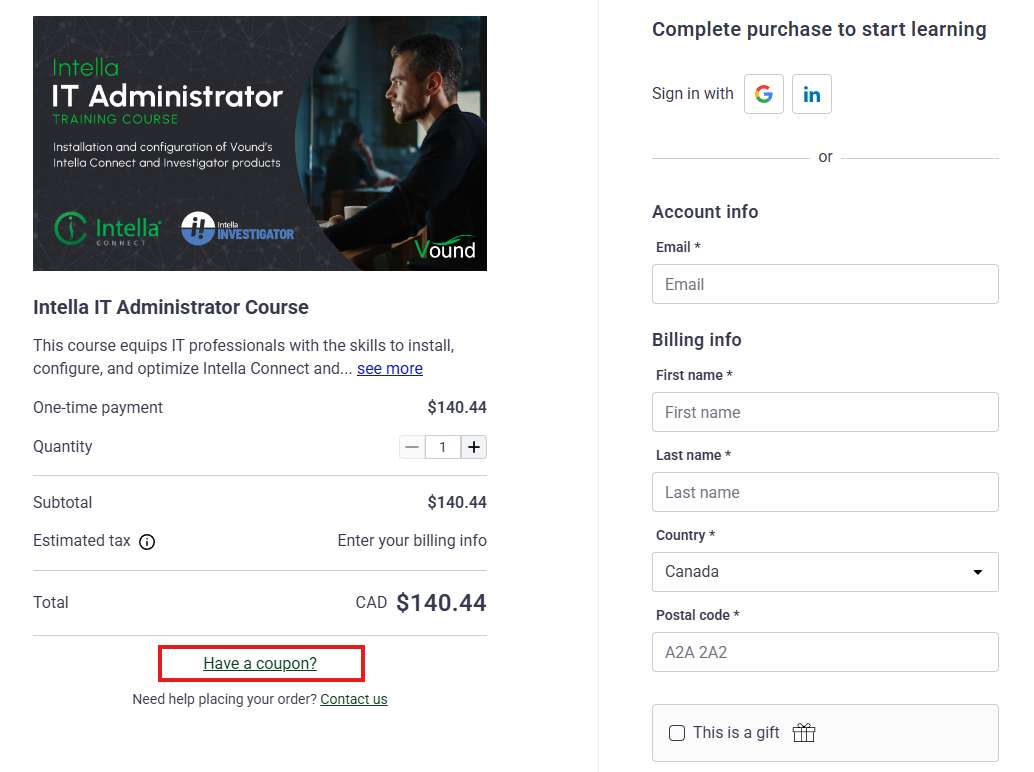
4. Enter the coupon that was provided to you by Vound, then click "Apply".
5. Ensure the coupon was successfully applied and reduced the course price to $0.00.
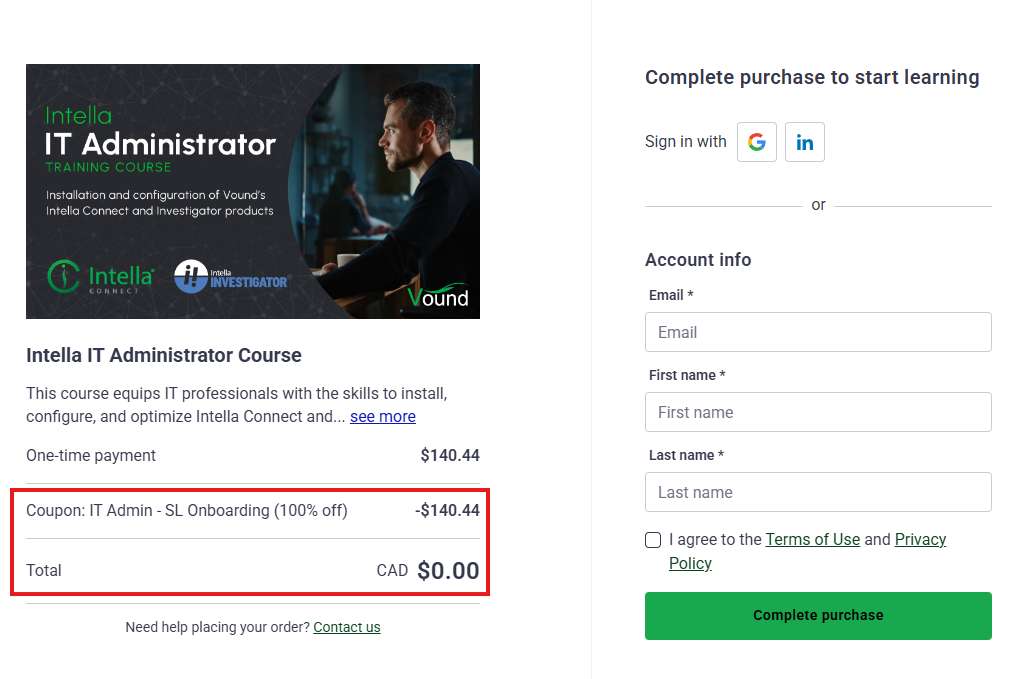
6. Register by either signing in with your existing Google or LinkedIn account, or by filling out your details under the "Account info" section. Ensure the Terms of Use and Privacy Policy have been reviewed and agreed to, then click "Complete Purchase". This will register you with the training platform, which records your progress and awards a Certificate of Completion upon successfully completing the course.
You should now have access to the IT Administrator training course. Contact support@vound-software.com if you are unable to register, and include the coupon you used.